
Manage your photography business on the go with the Studio Manager mobile app
Download the Pixieset Studio Manager mobile app to access and manage all your projects, documents, payments, and client emails, from your phone.
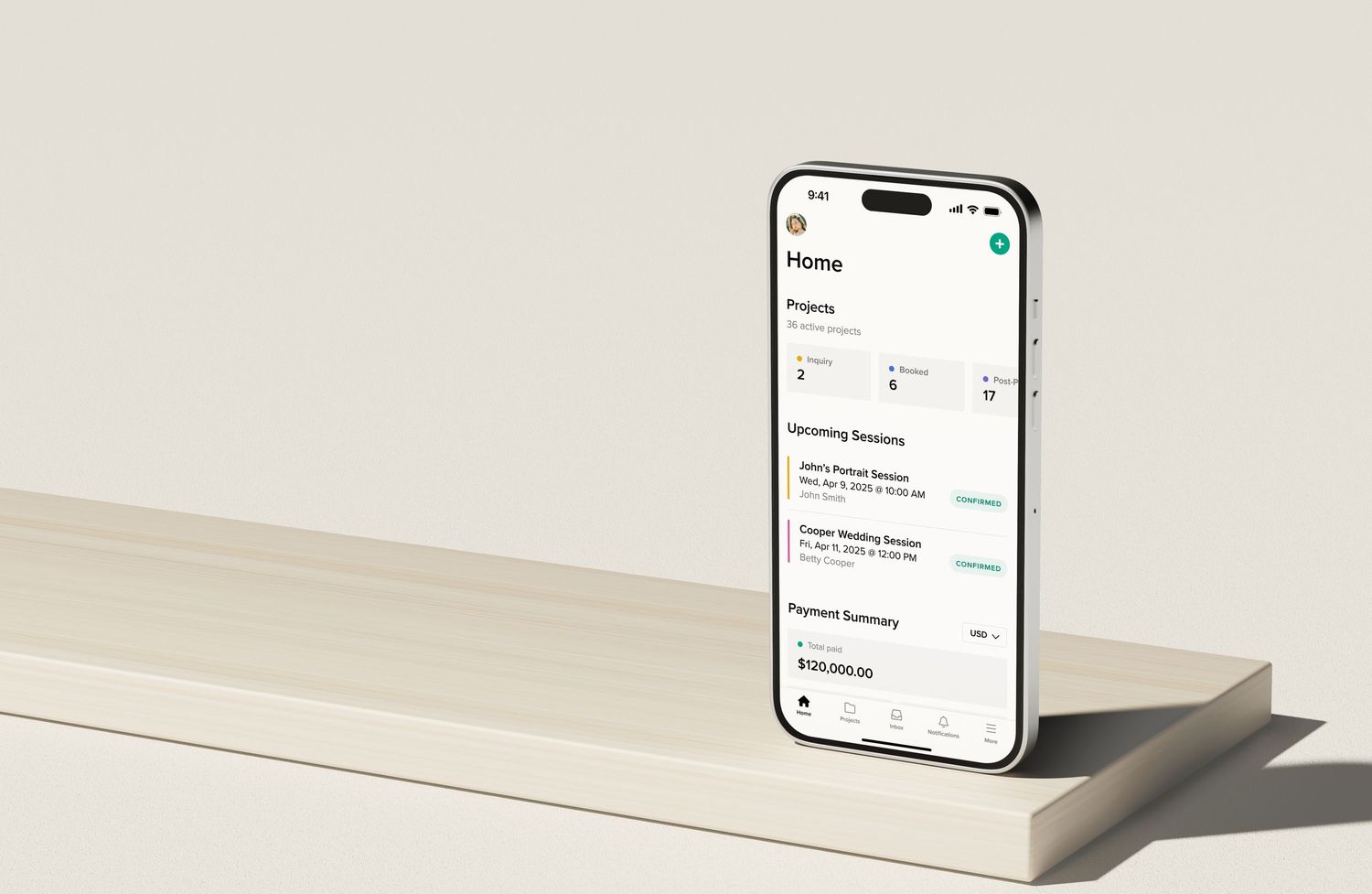


Run your business from anywhere
All the powerful features you rely on in Studio Manager are now available on your mobile device.
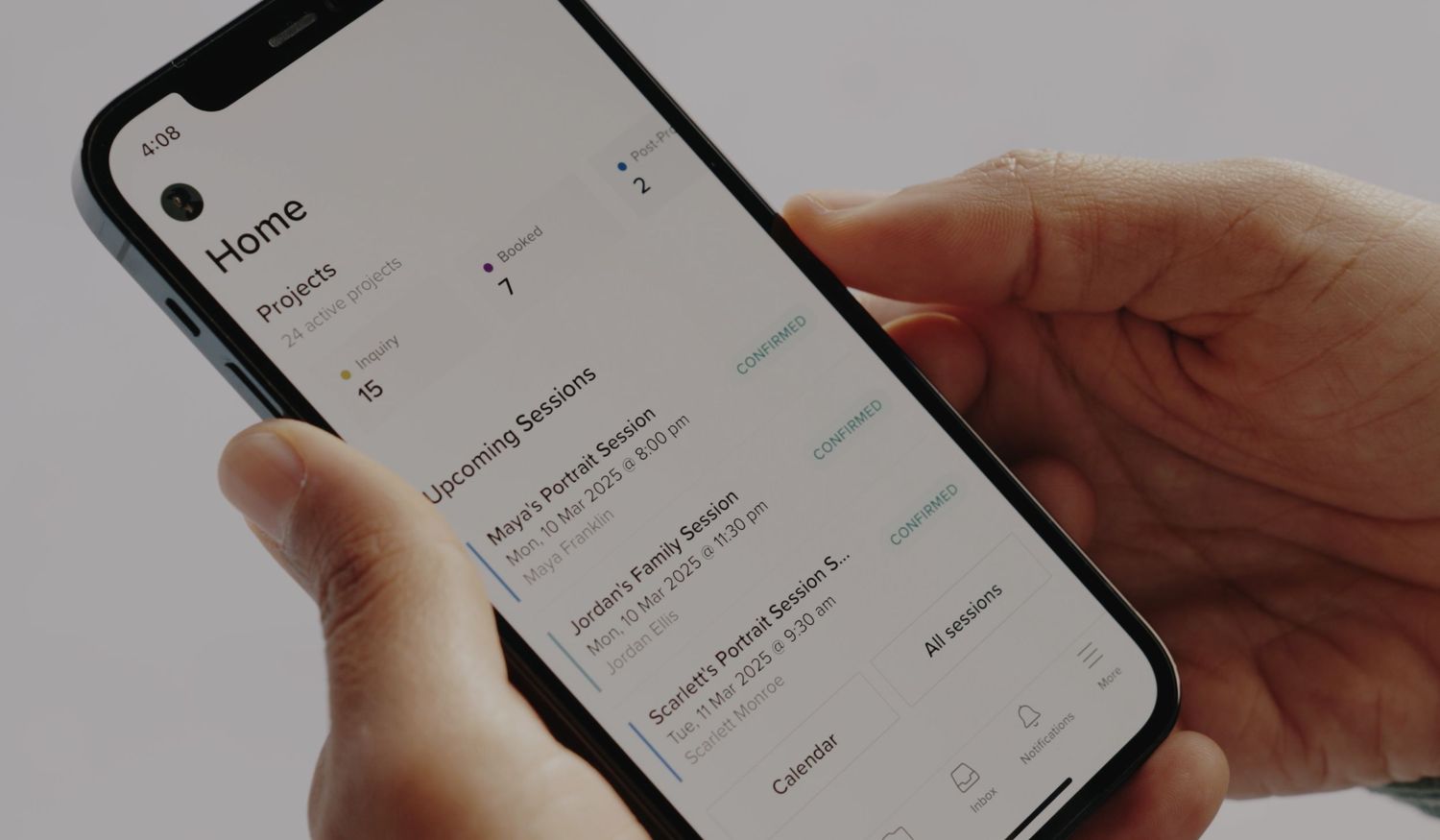
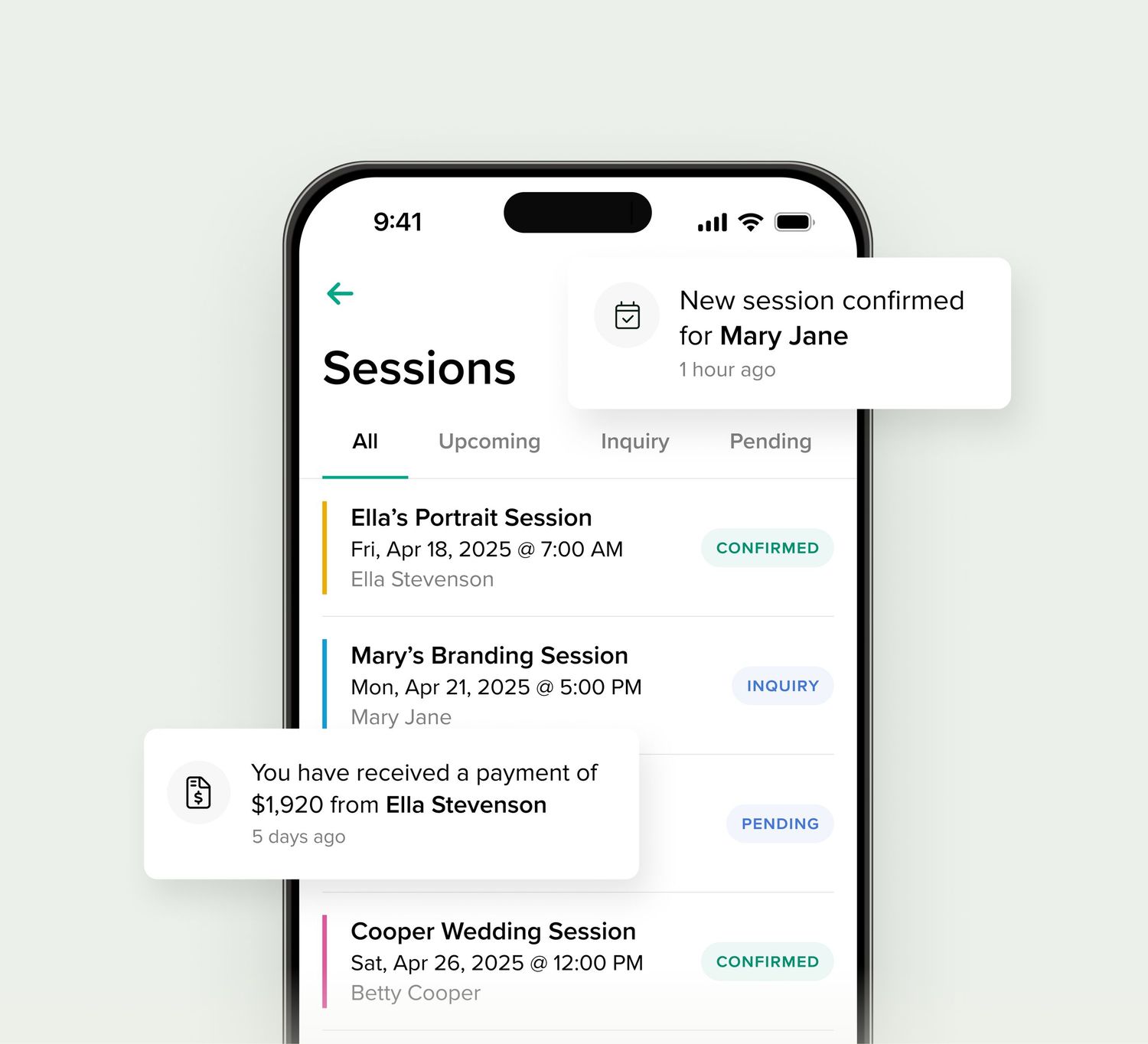
Book clients and get paid
The Pixieset Studio Manager mobile app allows you to track your upcoming sessions in real time, get notified about new bookings and payments made by clients.
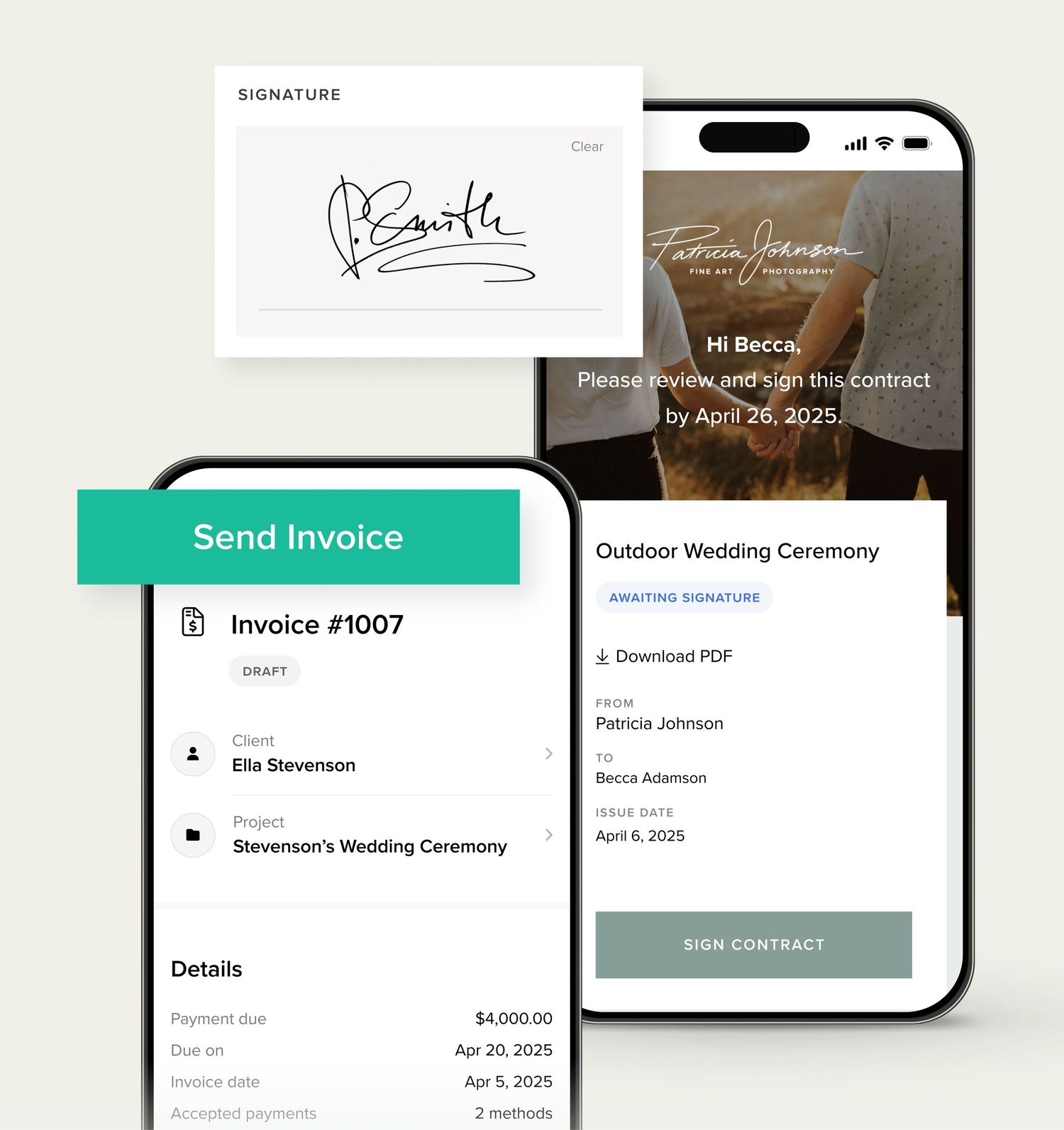
Send invoices, contracts, questionnaires, and quotes
Create and send documents on your phone. From signing a contract to reviewing an invoice, or tweaking a questionnaire - everything you need at your fingertips.
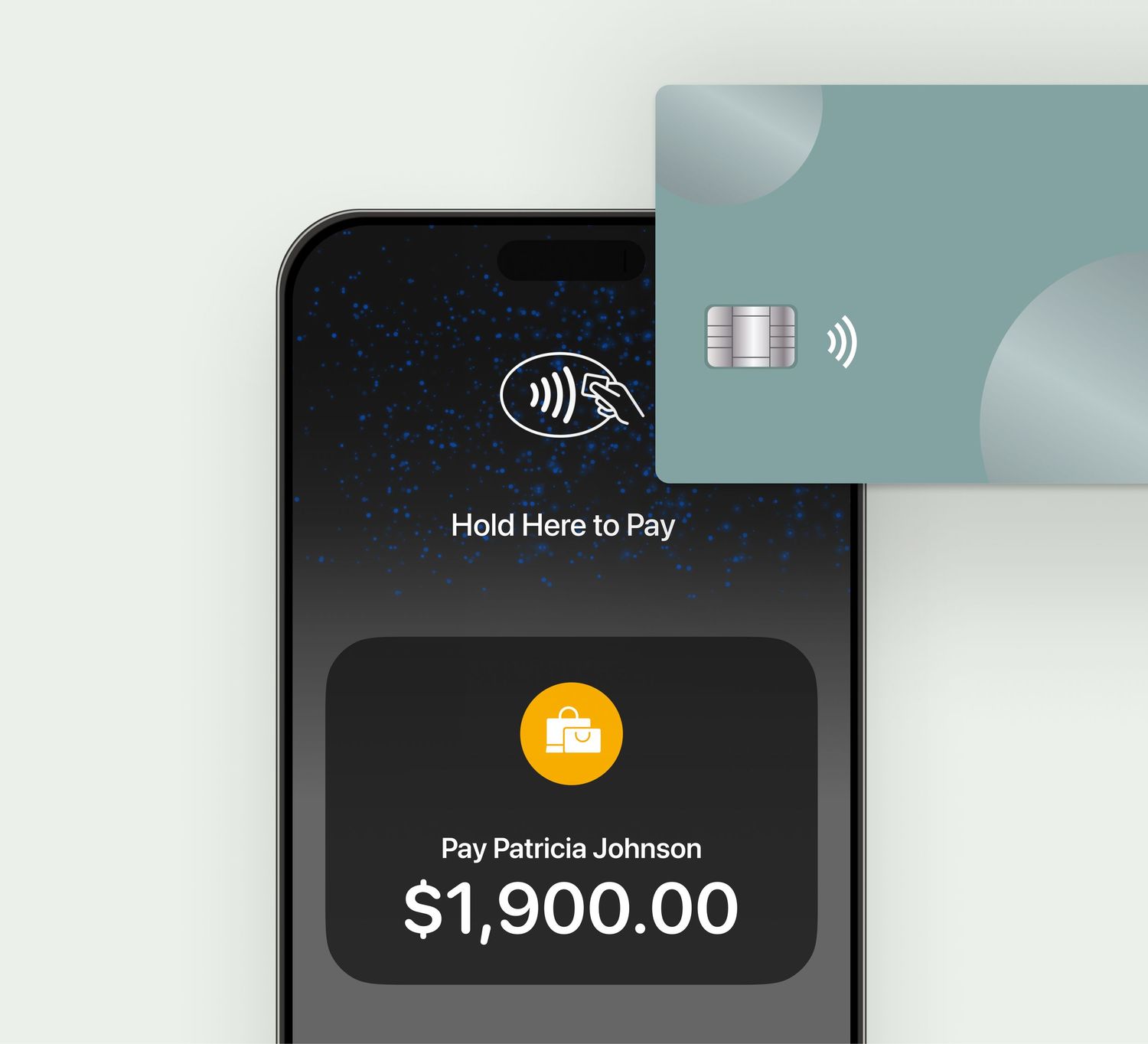
Contactless payments with Tap to Pay
Collect in-person payments right from your phone, using the Tap to Pay feature in the Studio Manager mobile app. Clients simply tap their card, phone, or smartwatch against your phone and pay instantly.
“
I love having everything at my fingertips. I like being able to get immediate notifications of bookings and payments, I love being able to see everything with ease.

Shelby Rae Photography
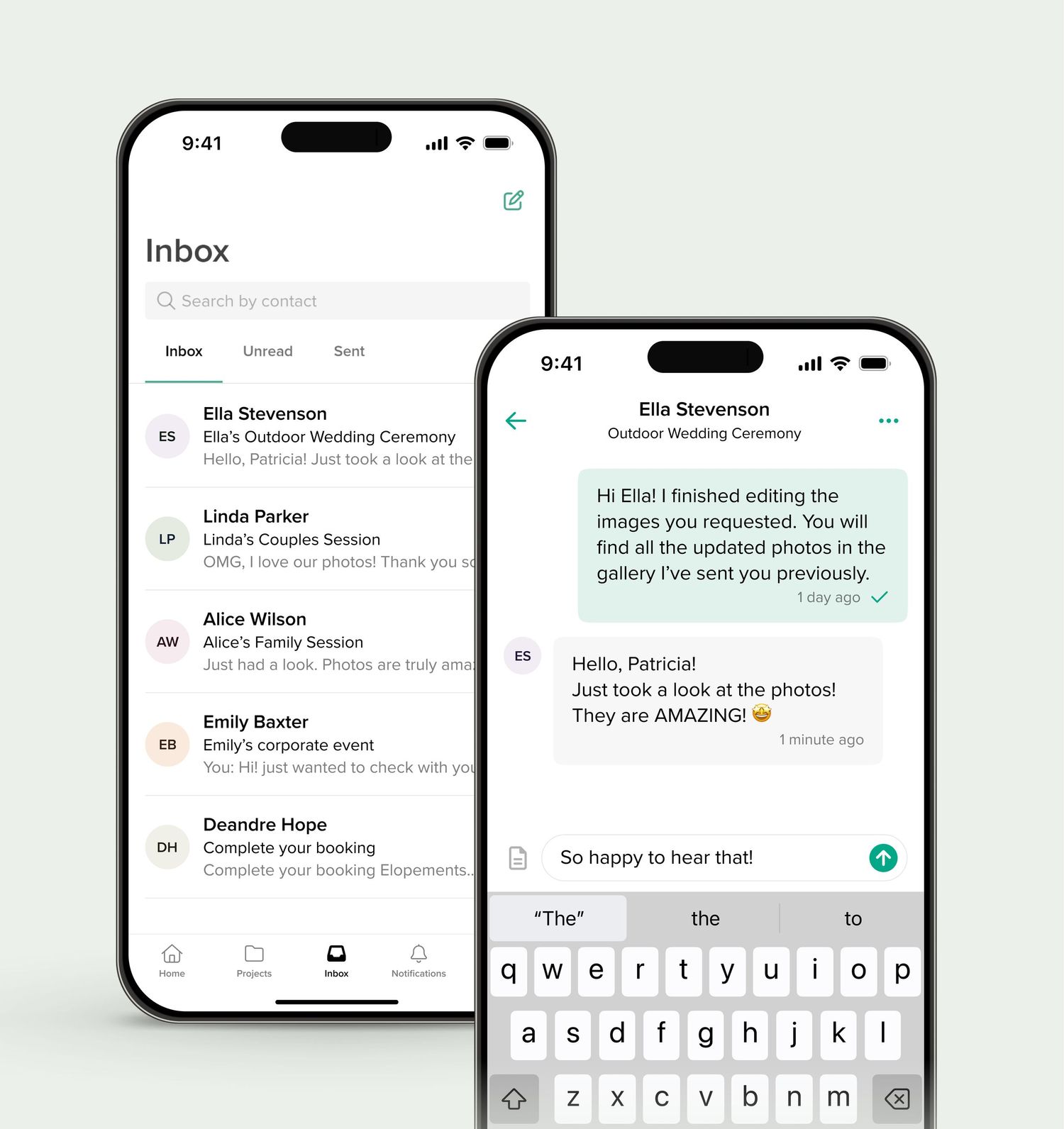
All client communication in one place
Access and review all your messages while on the go. Send emails, get instant notifications when a client replies, and always stay on top of your game.
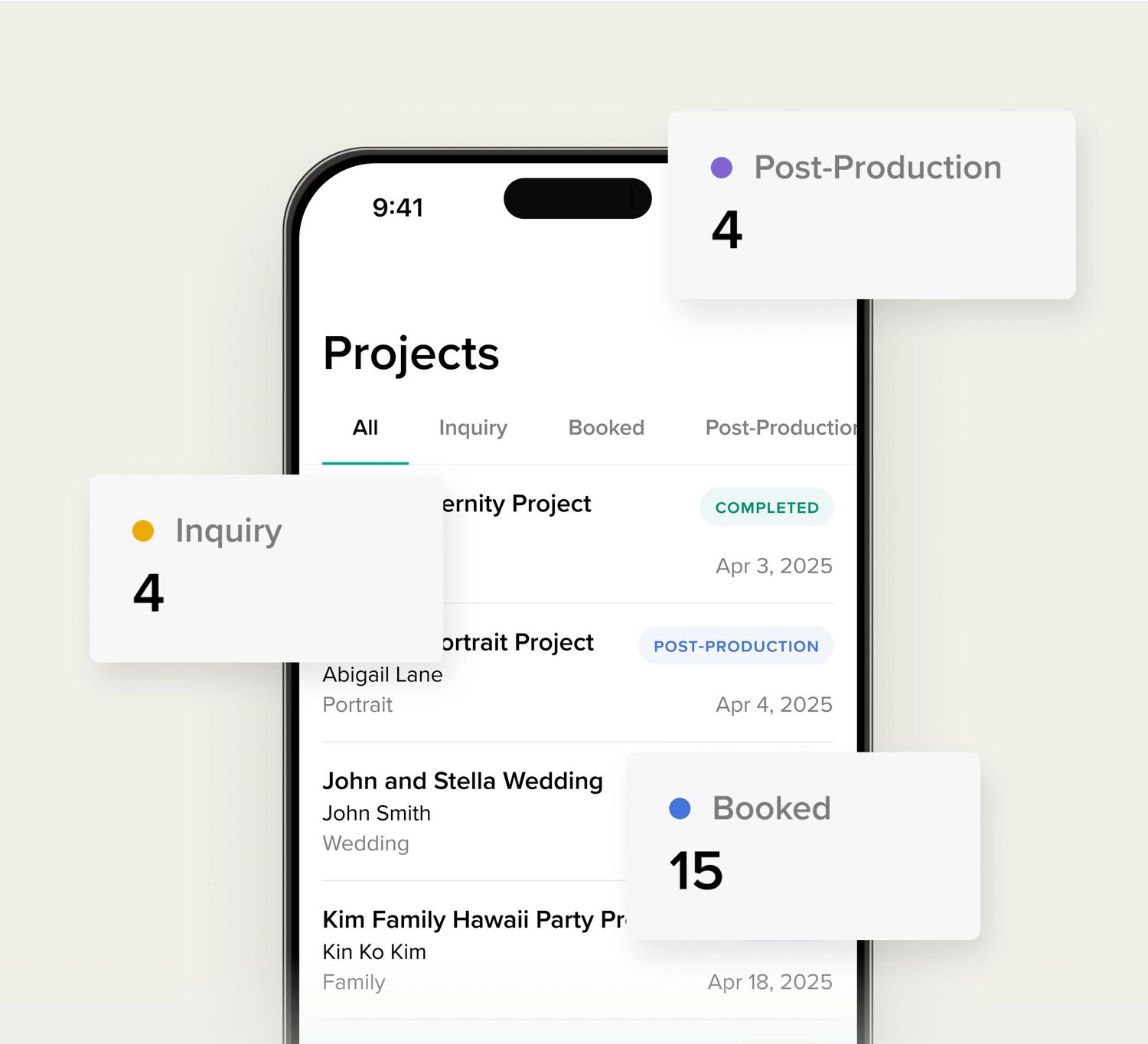
Track projects and stay organized
With the Pixieset Studio Manager mobile app it’s easy to track all your client work, review payments, documents, emails, and session details for each project.
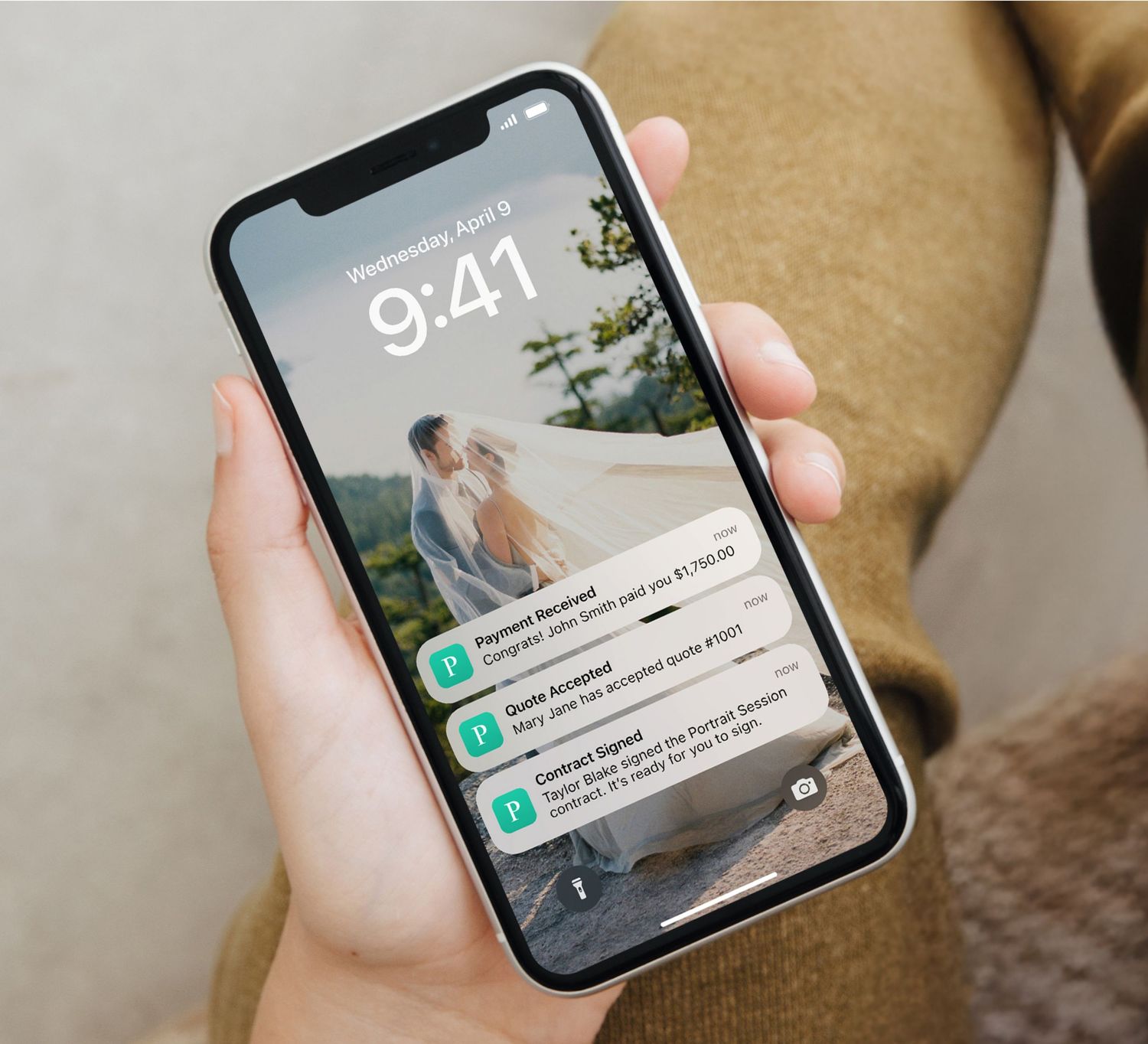
Instant notifications
Stay informed about new bookings, payments, signed contracts, and client messages, with instant notifications to your phone.
“
LOVE being able to access my session info & inbox on my phone easily.

The Authentic Moments Photography
Frequently asked questions
Is the Studio Manager mobile app free?
The Studio Manager mobile app is free to use for all registered Pixieset users.
How do I get the app?
Download the app via App Store or Google Play, depending on your mobile device. To use the app, you should have an account on pixieset.com
What devices are supported?
To find out if your device is compatible with the app, check the list of supported devices on App Store and Google Play.
How do I contact support?
You can get support directly from the app. Go to Profile icon > click on Contact Us and click on Ask a question.
Get the Pixieset Studio Manager mobile app